A look inside
See exactly what it's doing
LiveStream AutoMixer
LR
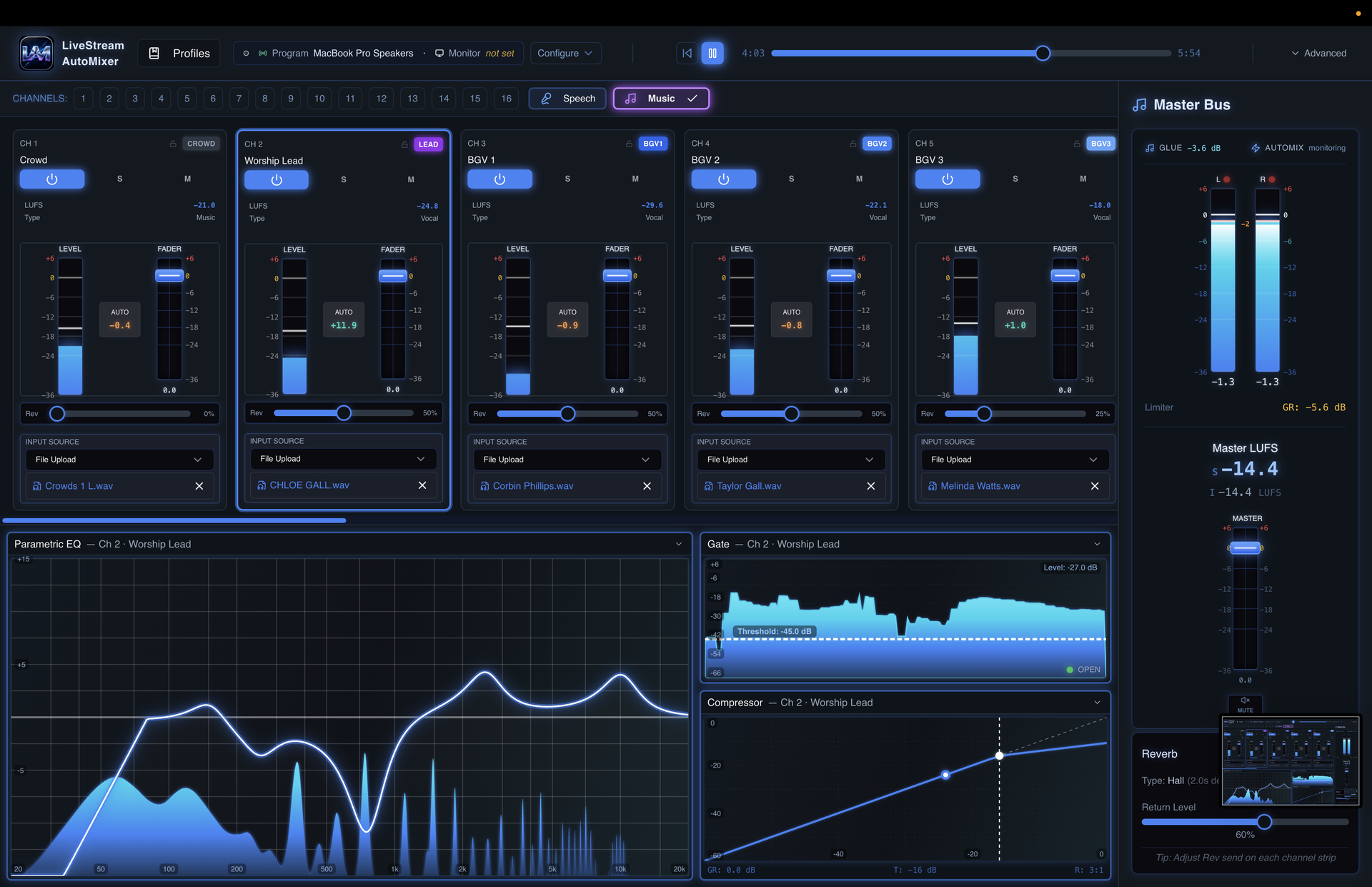
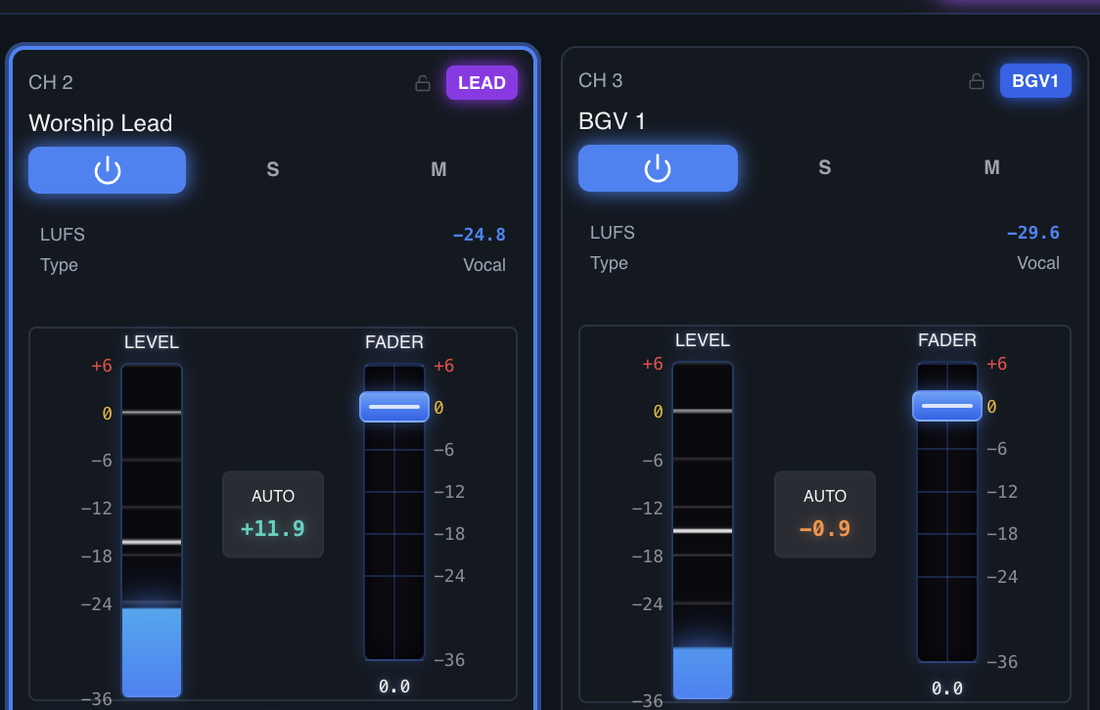
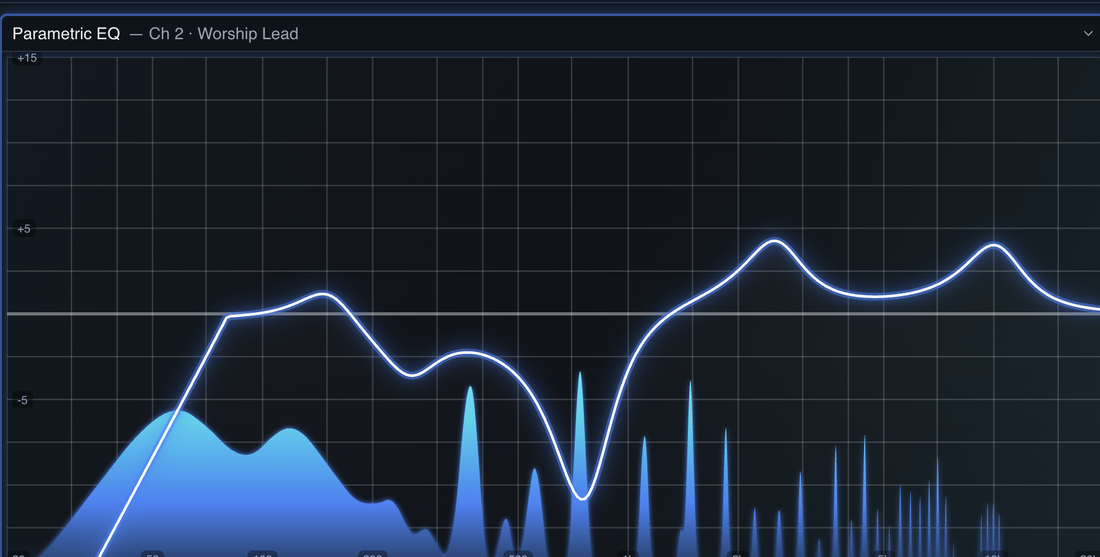
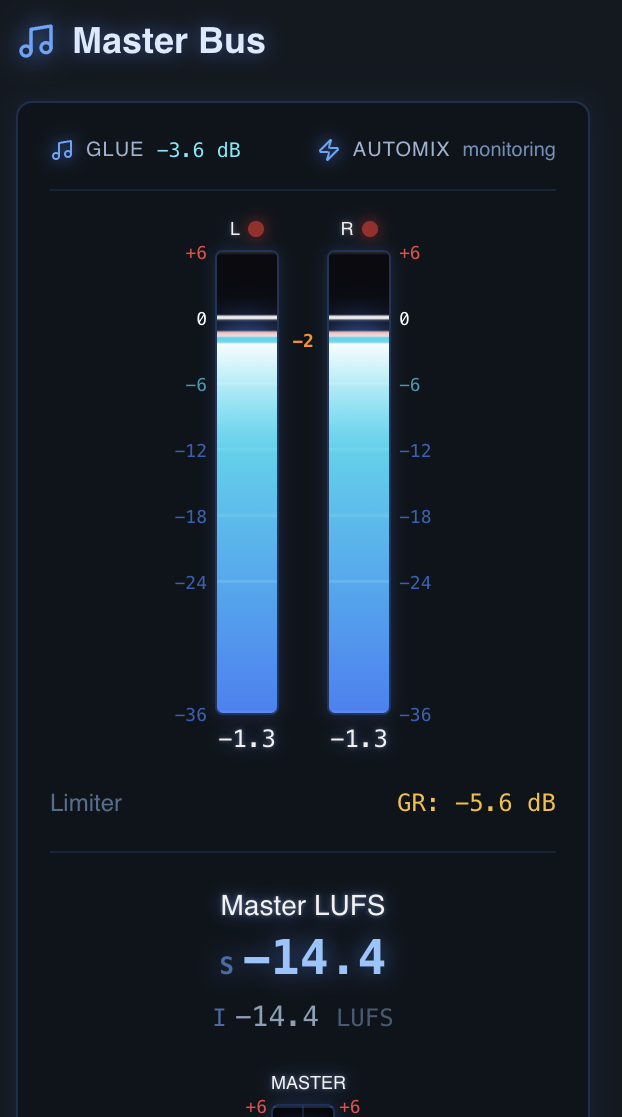
LAM looks after your sound so you don't have to. Whether you're recording a podcast, running a panel, playing live, or streaming, it keeps your sound clear and easy to listen to — so you focus on the show, and the audio just takes care of itself.
The same engine that mixes live worship, every Sunday.
Every host and guest mic auto-balanced, so the loud talker and the quiet one sit even. Idle mics ease down to kill room noise and bleed — less fader-riding, far less cleanup in post.
Lots of open mics is the exact problem LAM was built for: whoever's talking stays present, everyone else steps back — balanced, even sound with no one riding the board.
Vocals, instruments, and backing tracks balanced and shaped in real time, held at a steady loudness — the very thing LAM does live in church every Sunday.
Your voice stays on top: music and game audio duck automatically when you talk and rise back when you stop — no clicking sliders mid-stream to keep yourself audible.
LAM holds a steady, platform-ready output level so your audience never reaches for the volume — and you never babysit a loudness meter.
Tag each source once. LAM handles the EQ, compression, gating, ducking, and balance — you run the show, not the mixing board.
Bring your mics, music, and playback into your Mac through a digital mixer or multichannel USB interface.
Tell LAM what each one is — host, guest, music, instrument, playback — once.
LAM balances levels, ducks music under voices, and gates idle mics in real time. You focus on the show.
We'd rather you know before you sign up than be disappointed after.
LAM mixes the sources you bring into it, so it shines when there's a real mix to manage — multiple hosts, guests, music, game audio. Got one lone USB mic? It'll still clean up and level your voice, but the magic is in the mix.
You'll need an Apple Silicon Mac and your sources routed in through a digital mixer or multichannel USB interface (Dante or USB). LAM is the mixing brain on top of your setup — not a replacement for it.
One plan, the full 16-channel product — plenty for a multi-mic show, a band, or a panel. macOS today; we haven't tested Intel Macs.
It's in active public beta — improving quickly and shaped by real services. We're being deliberate so that what we launch genuinely works.
Every feature, all 16 channels, one simple price — no stripped-down tier to outgrow.
about $6.70 / week
or $290 billed once a year — works out at about $24/month, 2 months free
Founding members: join the waitlist before launch and lock in $19/mo — or $190 billed once a year (about $16/month, 2 months free).
A simple subscription — billed monthly, with an annual option that gives you two months free. Every plan starts with a 30-day free trial, no credit card. Payments are handled securely by Stripe. This is what we plan to launch with — join the waitlist and we'll let you know the moment it's available.
S−14.4LUFS
LAM is in public beta now. Join the list and we'll email you the moment it launches — and you'll lock in the founding-member rate: $19/mo, or $190 billed once a year (regular $29/mo), for as long as your subscription stays active without a gap.
Thanks! We'll email you the moment LAM launches.